

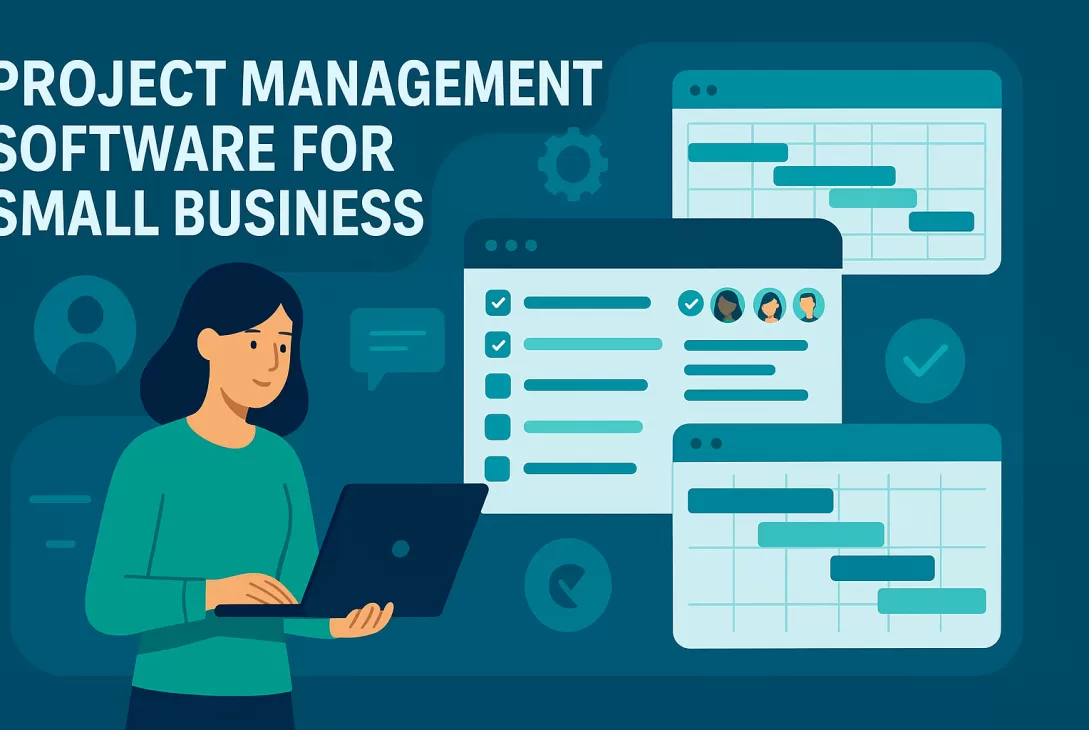
Running a small business can feel like spinning plates. You’re handling sales, customer service, marketing, and everything in between. With so much to manage, the right project management software can be a game-changer. It helps keep your team organized, your tasks on track, and your deadlines in sight.
But with so many tools out there, how do you choose the best fit for your small business? Don’t worry—we’ve got you covered. Let’s break down some of the top project management tools for small businesses in 2026 and how they can help your team work smarter, not harder.
Why Project Management Software Matters for Small Businesses
Imagine trying to run a team meeting using sticky notes and a whiteboard from the kitchen. Sounds chaotic, right? That’s what it feels like when you’re managing projects without the right tools.
Project management software brings structure and clarity to your team’s work. Here’s what it can do for your business:
- Organize tasks: Keep everything in one place so nothing falls through the cracks.
- Improve collaboration: Help your team stay on the same page, even if they’re working remotely.
- Track progress: See what’s done, what’s in progress, and what needs attention.
- Meet deadlines: Stay on top of schedules and deliver projects on time.
Whether you’re managing a marketing campaign, onboarding a new client, or launching a product, the right tool can help your small business run like a well-oiled machine.
Top Project Management Tools for Small Businesses in 2026
Let’s take a closer look at some of the most popular and effective project management platforms on the market today. Each of these tools brings something unique to the table.
1. Trello – Best for Simplicity and Visual Organization
If you love sticky notes and to-do lists, you’ll feel right at home with Trello. It uses a Kanban-style board that lets you move tasks across columns like “To Do,” “Doing,” and “Done.” It’s perfect for small teams who want a visual overview of their work.
Pros:
- Super user-friendly
- Great for tracking simple tasks
- Free plan available
Great for: Small businesses just starting out with project management.
2. ClickUp – Best All-in-One Platform
Looking for a one-stop-shop? ClickUp packs everything from task management, time tracking, document sharing, and goal setting into one sleek platform.
Pros:
- Highly customizable
- Works for teams of all sizes
- Free version with generous features
Great for: Growing businesses who want more features under one roof.
3. Asana – Best for Collaboration and Workflow Management
If your projects involve many steps or people, Asana could be your best friend. It’s great at breaking down work into tasks and subtasks, setting deadlines, and assigning responsibilities. Plus, it integrates with tons of other apps like Slack and Google Drive.
Pros:
- Powerful workflow templates
- Excellent teamwork features
- Clean and intuitive interface
Great for: Teams juggling multiple projects or roles.
4. Teamwork – Best for Client-Facing Projects
If you do a lot of work for clients—like agencies, consultants, or designers—Teamwork was built with you in mind. It helps you stay on top of billable hours, deadlines, and client communication.
Pros:
- Time tracking and invoicing tools built-in
- Project templates to save time
- Strong client communication features
Great for: Service-based businesses working directly with clients.
5. monday.com – Best for Teams That Love Customization
monday.com lets you customize your dashboards, workflows, templates—just about everything! It’s like a Swiss army knife for project management. The platform is colorful, fun to use, and very flexible.
Pros:
- Drag-and-drop editing
- Highly visual data dashboards
- Variety of templates for different industries
Great for: Teams who want to tailor everything to fit their process.
How to Choose the Right Project Management Software
So how do you pick the best tool for your team? Think about your needs. Are you just starting out, or scaling rapidly? Are your team members tech-savvy? Here are a few tips to guide you:
- Start small: Don’t overwhelm your team with a complex tool right off the bat. Test out free plans before committing.
- Consider your workflow: Some tools are better for structured tasks, while others shine with creative, collaborative work.
- Look for integrations: Choose software that plays well with your favorite tools like Google Workspace, Slack, or Zoom.
- Think about your team size: Some platforms charge per user, so pricing can scale quickly if you have a big team.
Final Thoughts: Big Wins for Small Teams
When you’re running a small business, time and resources are precious. The best project management software doesn’t just organize your team—it empowers it. It helps everyone stay focused, communicate clearly, and deliver consistent results.
Whether you want something simple like Trello or a full-featured powerhouse like ClickUp, the key is finding the tool that fits your workflow. And remember, it’s not about having every bell and whistle. It’s about getting the job done—easier, faster, and together.
So take the time to test a few of these platforms. Talk to your team. Find your fit. With the right software in place, you’ll be better equipped to take on whatever 2026 throws your way.
Need help narrowing down your choice?
Ask yourself: What’s the biggest pain point in our current workflow? Once you know that, finding the right project management tool becomes a lot easier.
Let’s keep the conversation going! Share your favorite project management tool in the comments or let us know which features matter most to your team. 👇